
The LinkedIn Profile Checklist That Actually Works
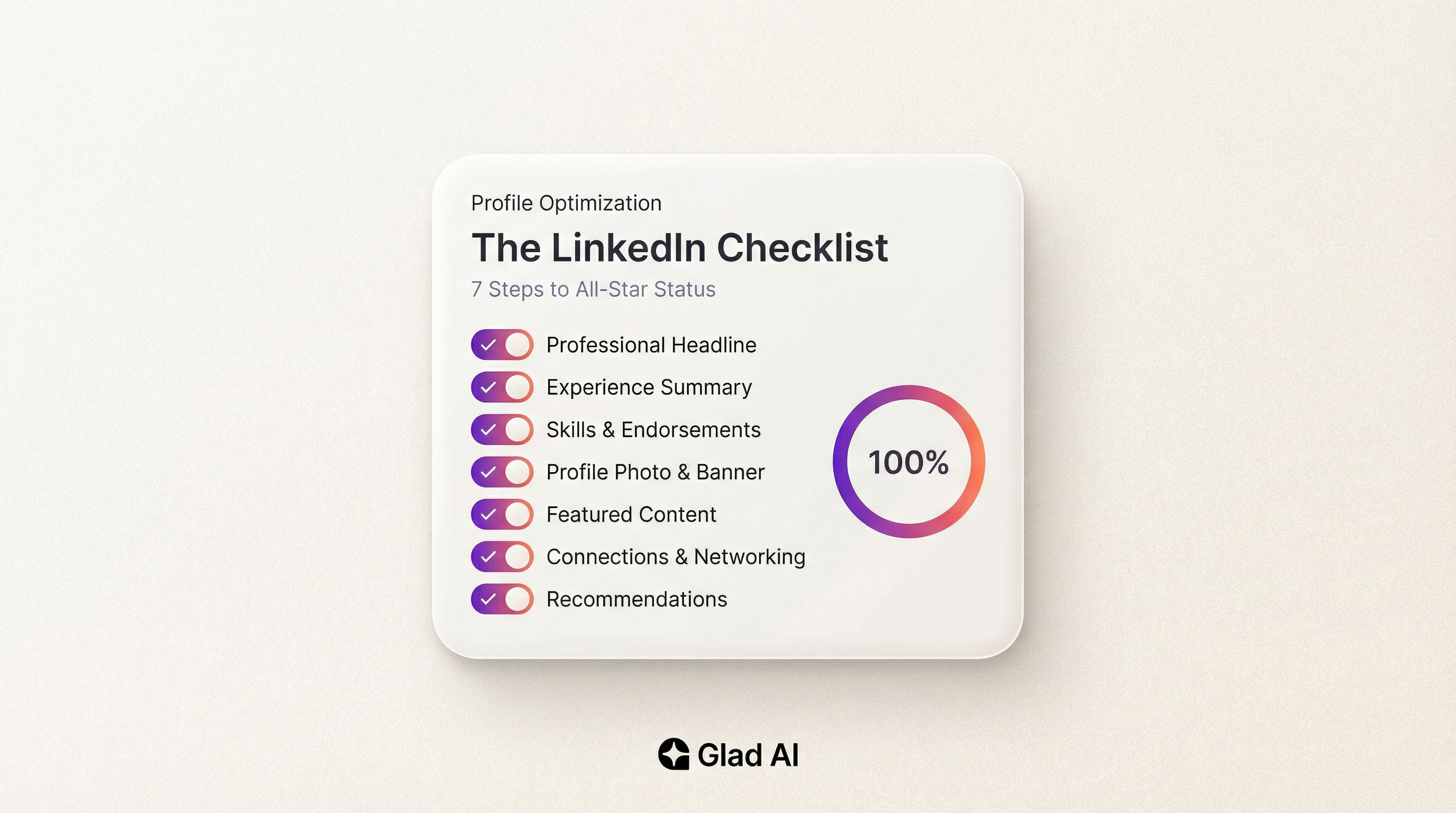
A LinkedIn profile checklist covers seven core sections: profile photo, headline, About section, work experience, skills, education, and recommendations. Completing all seven achieves All-Star status on LinkedIn, making your profile 40 times more likely to surface in recruiter searches, according to LinkedIn's own platform data.
Your LinkedIn profile is working right now. The question is whether it is working for you or against you.
Here's the truth: over 1.2 billion people are on LinkedIn in 2026. Over 75% of recruiters use it as their primary sourcing tool. And only 51% of members have actually completed their profiles.
That gap is your opening.
This LinkedIn checklist walks through every section that drives real results. No filler. No vague advice like "be authentic." Just what to do, in what order, backed by data.
Key Takeaways
- A professional profile photo alone makes your profile 14 times more likely to be viewed.
- Keyword-rich headlines drive 30% more profile views than job-title-only headlines.
- Profiles with an About section get 7 times more views than those without one.
- Listing five or more skills makes you 27 times more likely to be discovered by recruiters.
- All-Star profiles (100% complete) are 40 times more likely to receive opportunities.
- Consistent posting two to five times per week signals topic authority and expands reach.
- Only 51% of LinkedIn members have a fully completed profile — completion alone eliminates half the competition.
1. Profile Photo and Headline
Two elements. Visible everywhere. Responsible for most of the decision about whether someone clicks at all.
Profile Photo
LinkedIn's own data shows a professional profile photo makes your profile 14 times more likely to be viewed compared to no photo at all.
The rules are simple. You should be the only person in the frame. Your face should fill roughly 60% of the shot. The background should be clean and non-distracting. Wear what you would wear to a client meeting.
You do not need a professional photographer. A colleague with a decent smartphone in good natural light will do the job. What will not do the job: a cropped group photo, a vacation selfie, or anything with a pet in it.
Add a banner image too. It is free real estate that 90% of people leave blank. A clean graphic with your role, focus area, or a short tagline takes 10 minutes in Canva and immediately makes your profile look intentional.
Headline
Most people use their job title as their headline. That is the default, and it is a missed opportunity.
Strong headlines receive 30% more profile views. Your headline is searchable. It appears in recruiter results, connection requests, and comment threads. It works even when your full profile is not open.
A formula that works: [Role] | [Value you deliver] | [Specialization or industry]
"Senior Marketer" tells nobody anything.
"B2B Content Marketer | Helping SaaS Companies Drive Pipeline with SEO and LinkedIn" tells someone exactly who you are and who you help.
Use specific terms, not corporate jargon. The headline has 220 characters. Use them.
| Element | What Most People Do | What Actually Works |
|---|---|---|
| Profile Photo | Old selfie, no photo, or group shot | Professional headshot, face fills frame, clean background |
| Headline | Job title and company only | Role + value delivered + industry or niche |
| Banner Image | Default LinkedIn blue | Branded graphic with tagline or specialization |
2. Your About Section
Profiles with a completed About section get 7 times more views than those without one. Yet half of LinkedIn members skip it entirely.
Here's the thing: LinkedIn truncates your About section after roughly 300 characters on desktop. Even fewer on mobile, where 72% of LinkedIn activity happens. Your first three or four lines are your hook. If they are flat, the rest will never be read.
Write in first person. Start with your biggest professional win or the core problem you solve. Then expand into your background, key skills, and what you are open to.
The optimal length is 1,800 to 2,200 characters — roughly 300 to 350 words. Long enough to tell the story. Short enough to stay scannable.
Use short paragraphs. Break up the text. Include your primary industry keyword naturally in the opening lines, since LinkedIn's search algorithm weights the About section heavily for keyword relevance.
End with a clear call to action. Tell people exactly what you want them to do: reach out, connect, or visit a link. Do not leave it ambiguous.
3. Work and Volunteer Experience
This section is not a resume dump. It is a proof section.
Each role entry should begin with a one-sentence overview of your scope, followed by two to five achievement statements. Not responsibilities — achievements. The difference matters.
Responsibilities: "Managed social media accounts."
Achievement: "Grew LinkedIn following from 2,400 to 18,000 in 11 months through a consistent content strategy, driving a 34% increase in inbound demo requests."
Quantify wherever possible. Numbers convert abstract duties into concrete credibility. Percentages, revenue figures, user counts, time saved — all of it signals real impact.
Include volunteer experience. Hiring managers increasingly weight it alongside paid work. It also fills experience gaps and reveals professional values.
Add media to your role entries if you have it. A link to a published article, a screenshot of a campaign result, or a project portfolio makes the profile memorable in a feed full of identical text blocks.
4. Skills and Endorsements
The skills section is the most underused leverage point on LinkedIn. Most people treat it as an afterthought. That is a mistake.
Listing five or more relevant skills makes you 27 times more likely to be discovered by recruiters. Endorsed skills directly affect how you rank in LinkedIn Recruiter search filters. The more endorsements a skill has, the higher your profile surfaces when a recruiter filters for that exact term.
Be strategic, not exhaustive. Pull keywords from 10 to 15 real job descriptions in your field. Those are the terms recruiters and buyers are actually searching. Add them verbatim where they honestly reflect your experience.
Specific beats generic. "Salesforce" ranks better than "CRM." "Python" ranks better than "data analysis." "LinkedIn Marketing" ranks better than "social media."
To build endorsements: endorse your colleagues first. Reciprocity is real. Also consider passing LinkedIn's built-in skill assessments — a verified badge on a skill gives you a credibility edge over unverified profiles in the same search result.
5. Education and Certifications
Education is not just a degree. It is another keyword field and another credibility signal.
Fill out your education entry fully. Include any honors, awards, relevant coursework, clubs, or study abroad programs. These details give alumni a reason to connect and add searchable terms that a bare degree listing misses entirely.
Always list certifications. A Salesforce certification, a Google Analytics badge, a HubSpot qualification — these function as third-party validation. They tell a recruiter or buyer that a real institution has verified the skill, not just that you clicked "Add Skill."
Certifications also give your profile regular reasons to update. Every new credential is an activity signal. LinkedIn's algorithm treats profile updates as engagement, which slightly improves your visibility in searches.
6. Recommendations
Endorsements tell LinkedIn's algorithm you have a skill. Recommendations tell a human why they should trust you.
Profiles with written recommendations receive up to 14 times more profile views than those without. 79% of recruiters consider recommendations a significant factor in hiring decisions, according to LinkedIn's Global Hiring Trends Report.
Ask strategically. The best time to request a recommendation is immediately after a project wraps, a deal closes, or someone thanks you for your work. The context is fresh, and the motivation to help is high.
A strong recommendation is specific. It names a project. It includes a result. It describes what it was actually like to work with you, not just that you are "a great colleague and team player." Generic wrappers are noise.
Write recommendations for others first. Most people respond in kind. And you only need three to five strong ones to significantly outperform the majority of profiles that have zero.
7. Posting and Activity
A complete profile is the foundation. Consistent activity is what keeps it visible.
LinkedIn's algorithm in 2026 rewards topic authority. If you post consistently about a specific niche, LinkedIn begins to recognize you as an expert in that area and distributes your content to a wider, more targeted audience. Sporadic posting about random topics builds nothing.
The sweet spot is two to five posts per week. That is enough to signal consistency without burning out. Tuesdays and Wednesdays between 10am and noon tend to generate the highest engagement for most industries.
Posts that feel real and relevant outperform polished corporate announcements. A specific insight from a recent client project. A framework you actually use. An opinion that has a point of view. That is what gets saved, shared, and commented on.
Here's the thing: most professionals know this. They just do not do it consistently. Not because they lack expertise — because they lack a system. Blank page anxiety is real. Scheduling it manually every week is not sustainable.
That is exactly what Glad AI solves. The Voice Consistency Engine reads your existing website and blog content to understand how you actually communicate. Then it generates LinkedIn posts that sound like you, not like a generic robot. Rinse. Repeat. On autopilot.
Your LinkedIn Checklist: The Full Picture
Here is the summary. CompletWHe all seven sections. Achieve All-Star status. Then stay active.
The data is not subtle. A complete profile is 40 times more likely to get found. A professional photo means 14 times more views. Five or more skills means 27 times more recruiter discovery. A written About section means 7 times more visibility.
These are not minor improvements. They are compounding advantages.
And none of it matters if you go dark after optimization. The professionals winning on LinkedIn in 2026 are not the ones with the best profiles. They are the ones with the best profiles who also show up consistently.
Build the foundation once. Then build a system that keeps you visible without the grind.
| Checklist Item | Why It Matters | Stat |
|---|---|---|
| Professional profile photo | First impression; visibility in search | 14x more profile views |
| Keyword-rich headline | Appears in all search results and InMail previews | 30% more profile views |
| Completed About section | Keyword weight for LinkedIn search; credibility | 7x more views |
| Quantified work experience | Proof of impact beyond job duties | 71% higher interview rate (complete profiles) |
| 5+ relevant skills listed | Directly affects recruiter search ranking | 27x more recruiter discovery |
| Education and certifications | Third-party validation; All-Star completeness | Required for All-Star status |
| 3+ written recommendations | Social proof that self-promotion cannot replace | 14x more profile views |
| Consistent content posting | Topic authority signal; ongoing algorithm visibility | 40x more opportunities (All-Star + active) |